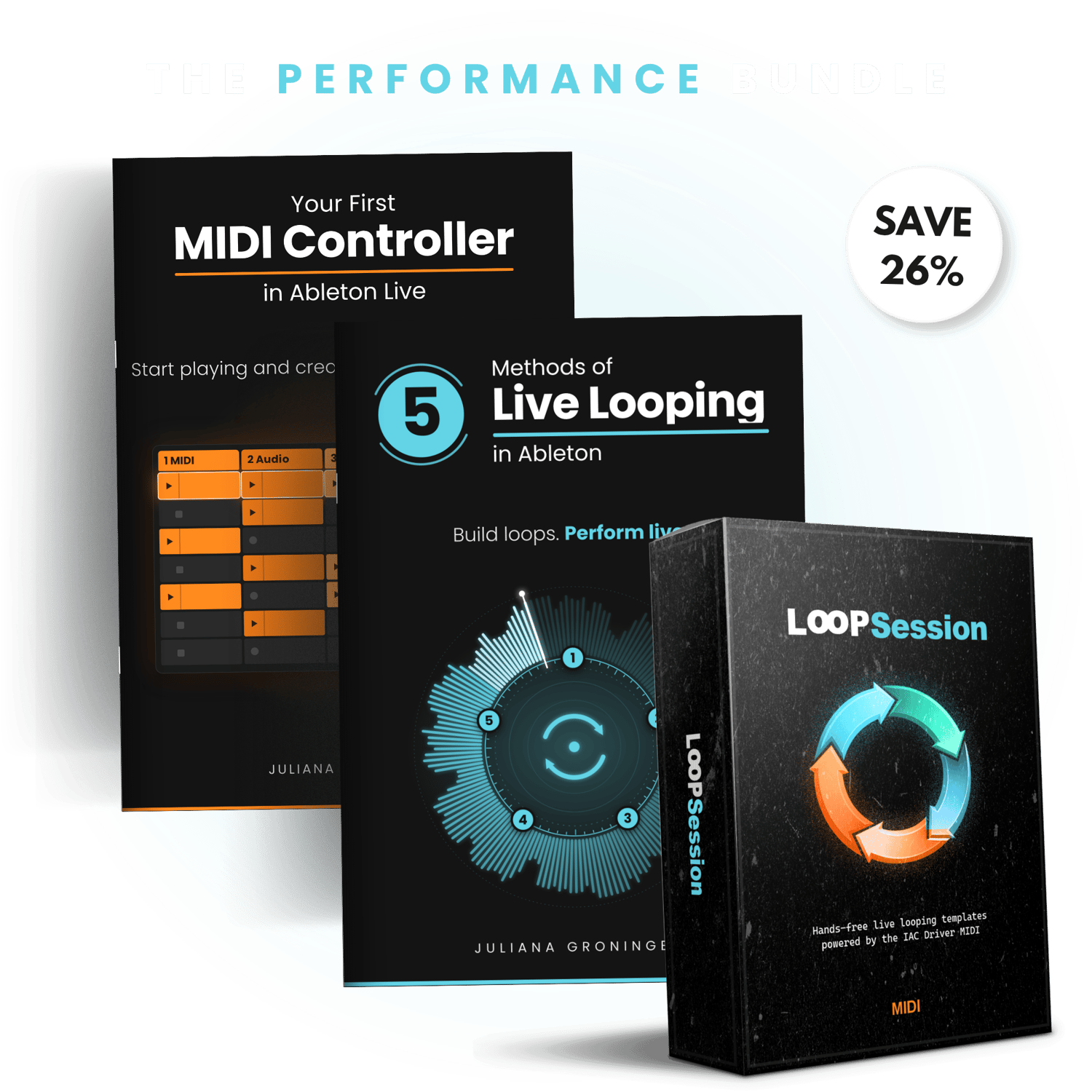
From your first MIDI controller to live looping
Two practical guides that take you from setting up your controller to building and performing live loops in Ableton, plus hands-free LoopSession templates so you can see the workflow in action.

Two practical guides that take you from setting up your controller to building and performing live loops in Ableton, plus hands-free LoopSession templates so you can see the workflow in action.
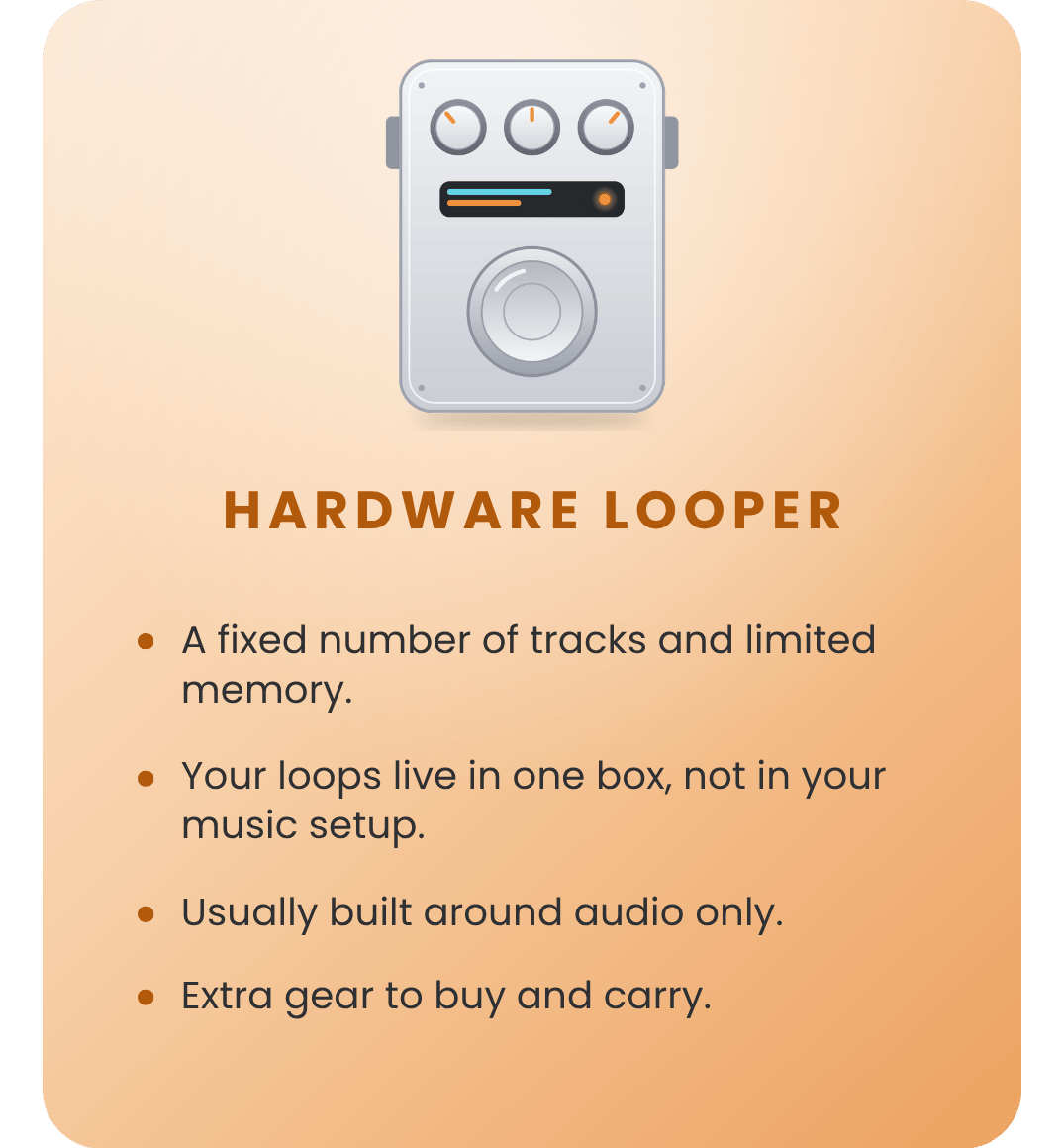
One box, one job, and a fixed number of tracks.
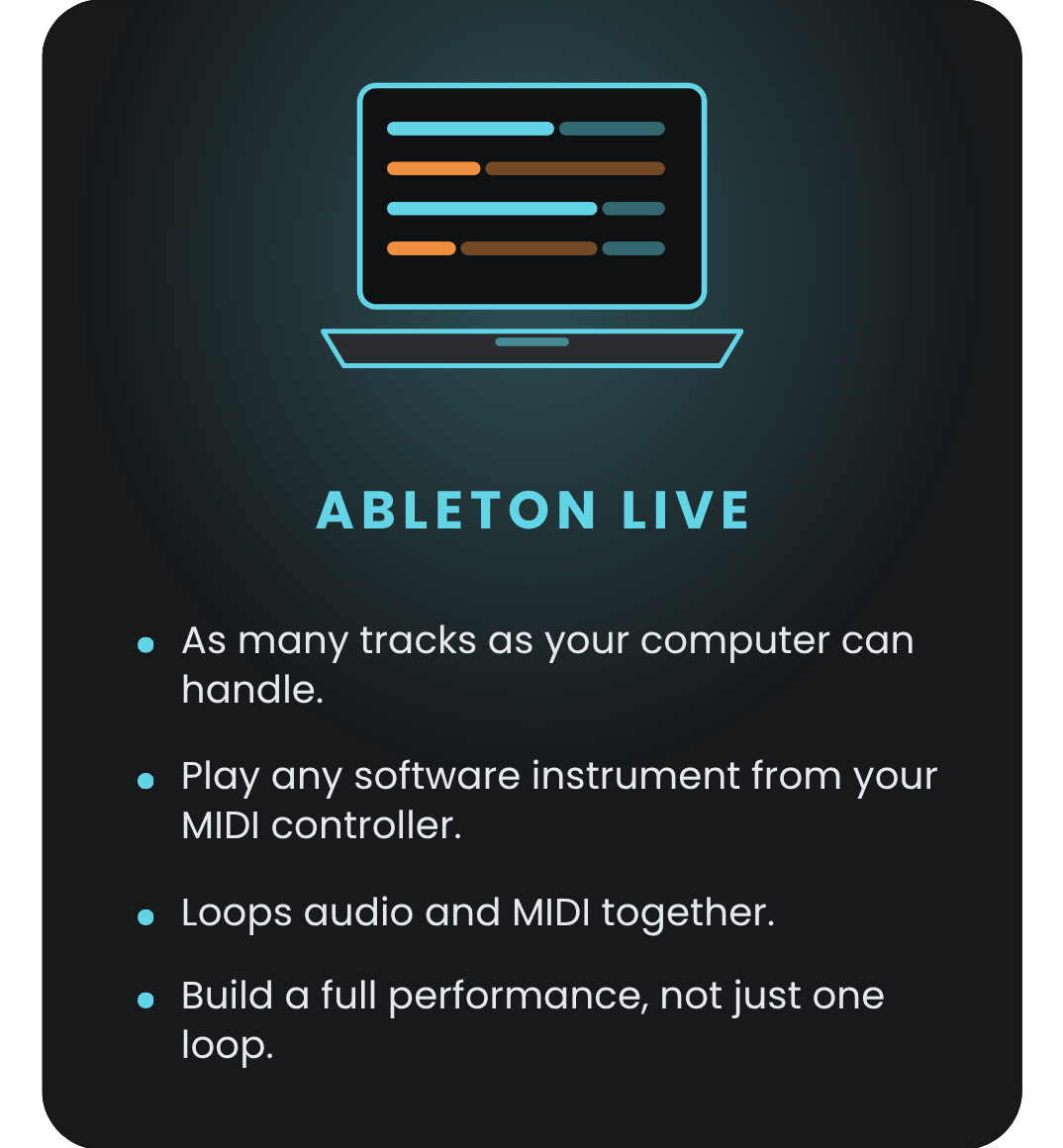
Every track and every sound, built in the setup you already own.
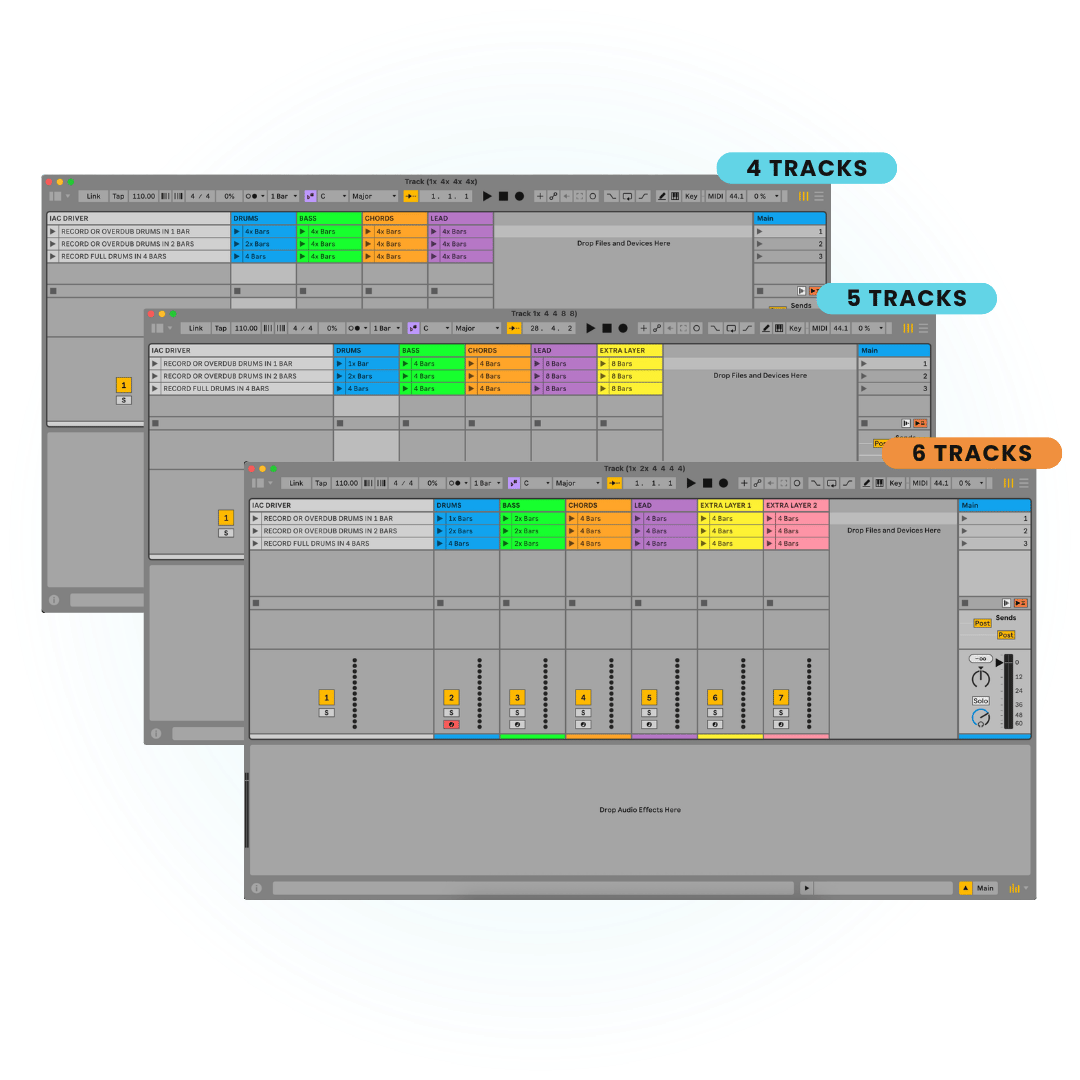
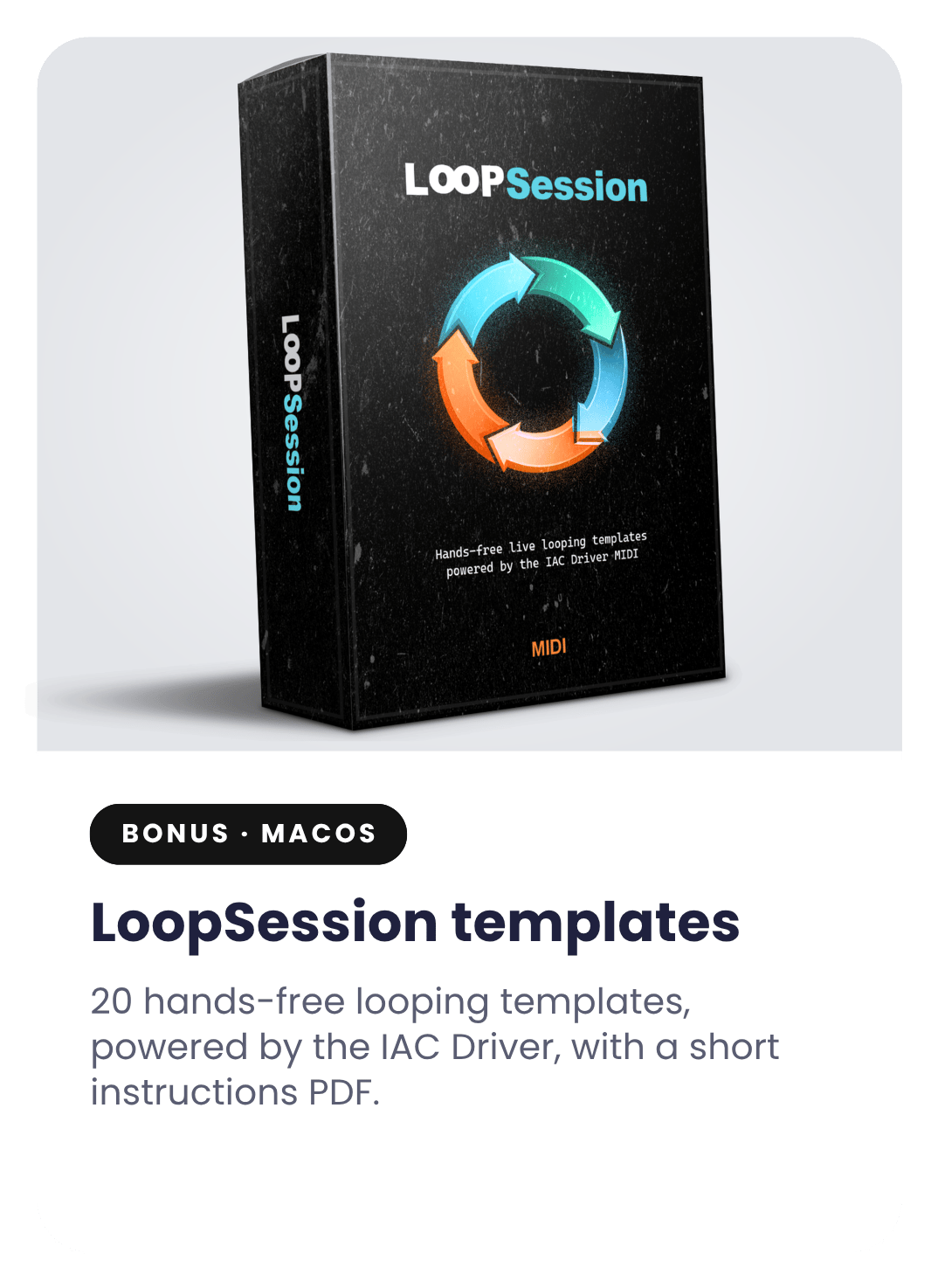
Included with the bundle. Each template arms the next track for you, so you can build a full performance without touching the mouse.
Start with four tracks and add more layers as you grow, up to six. Setup instructions included. macOS only.
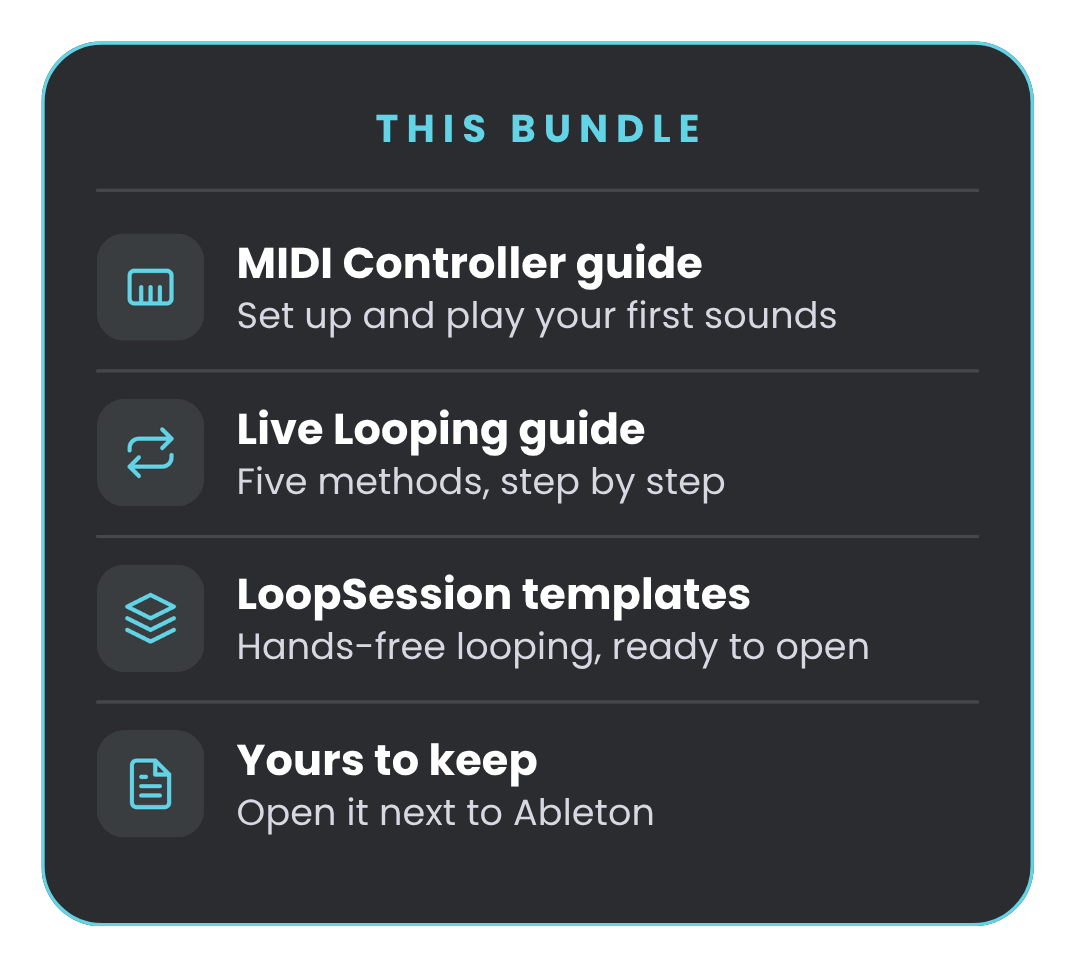
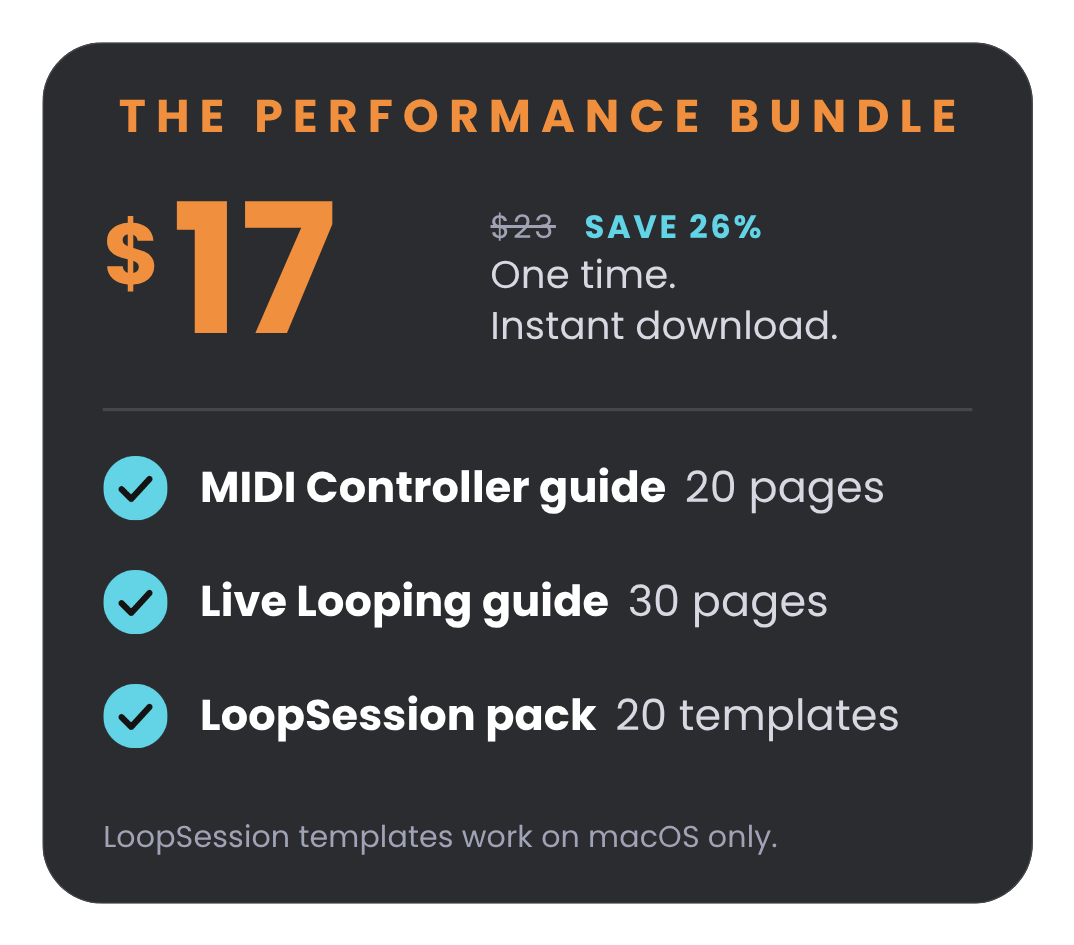
Two guides and 20 LoopSession templates, all in one instant download. $17 instead of $23, and it’s yours.
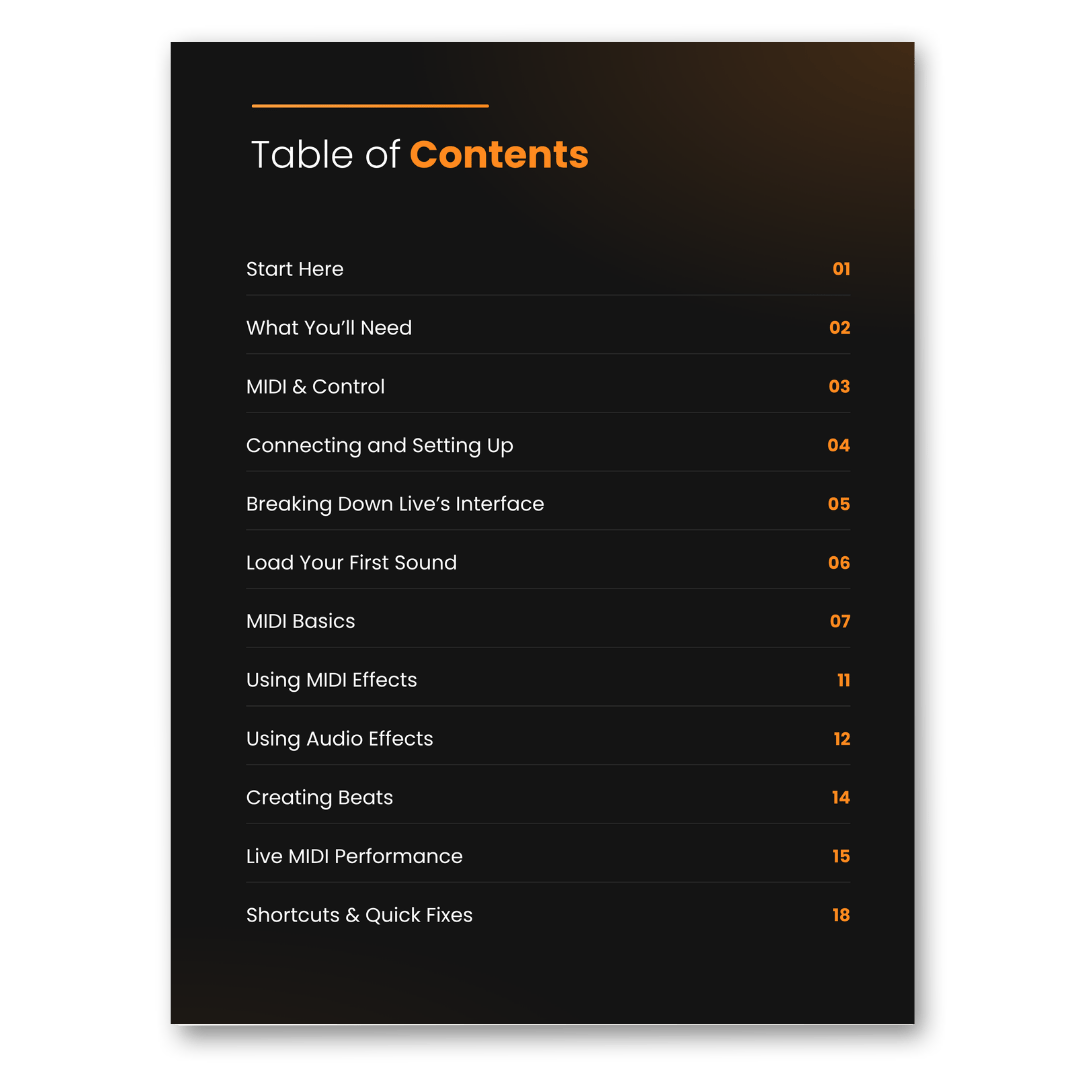
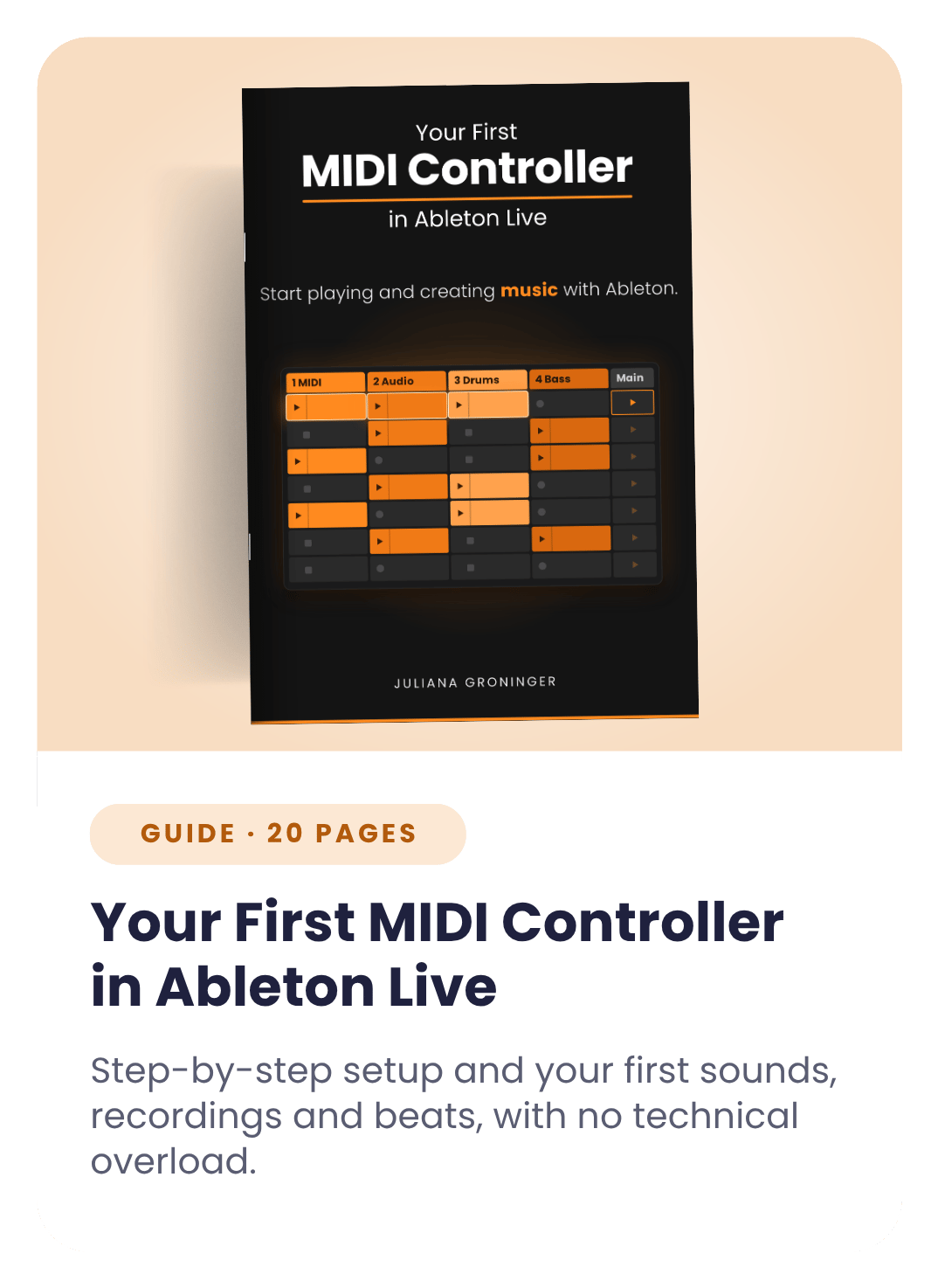
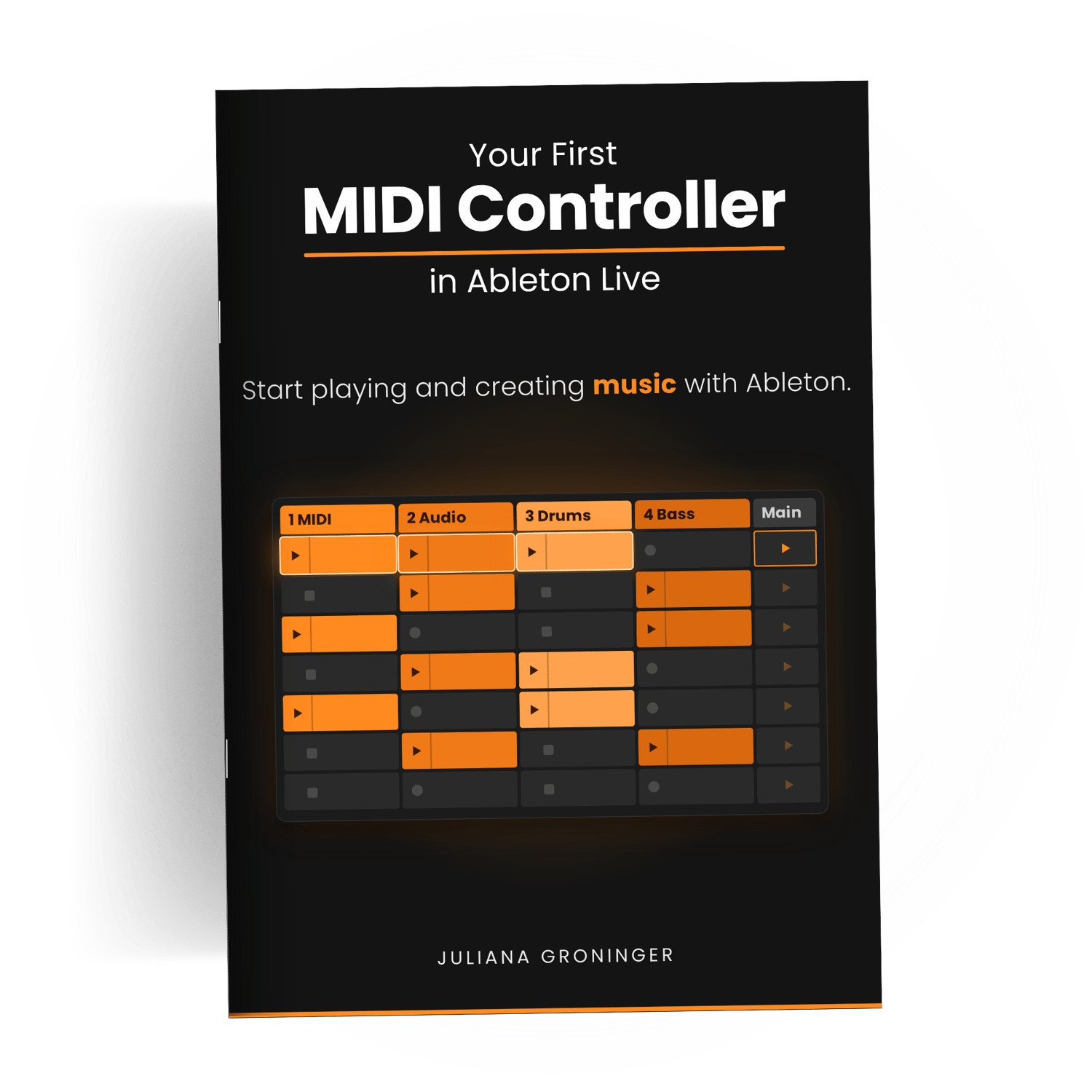
20-page PDF · $10
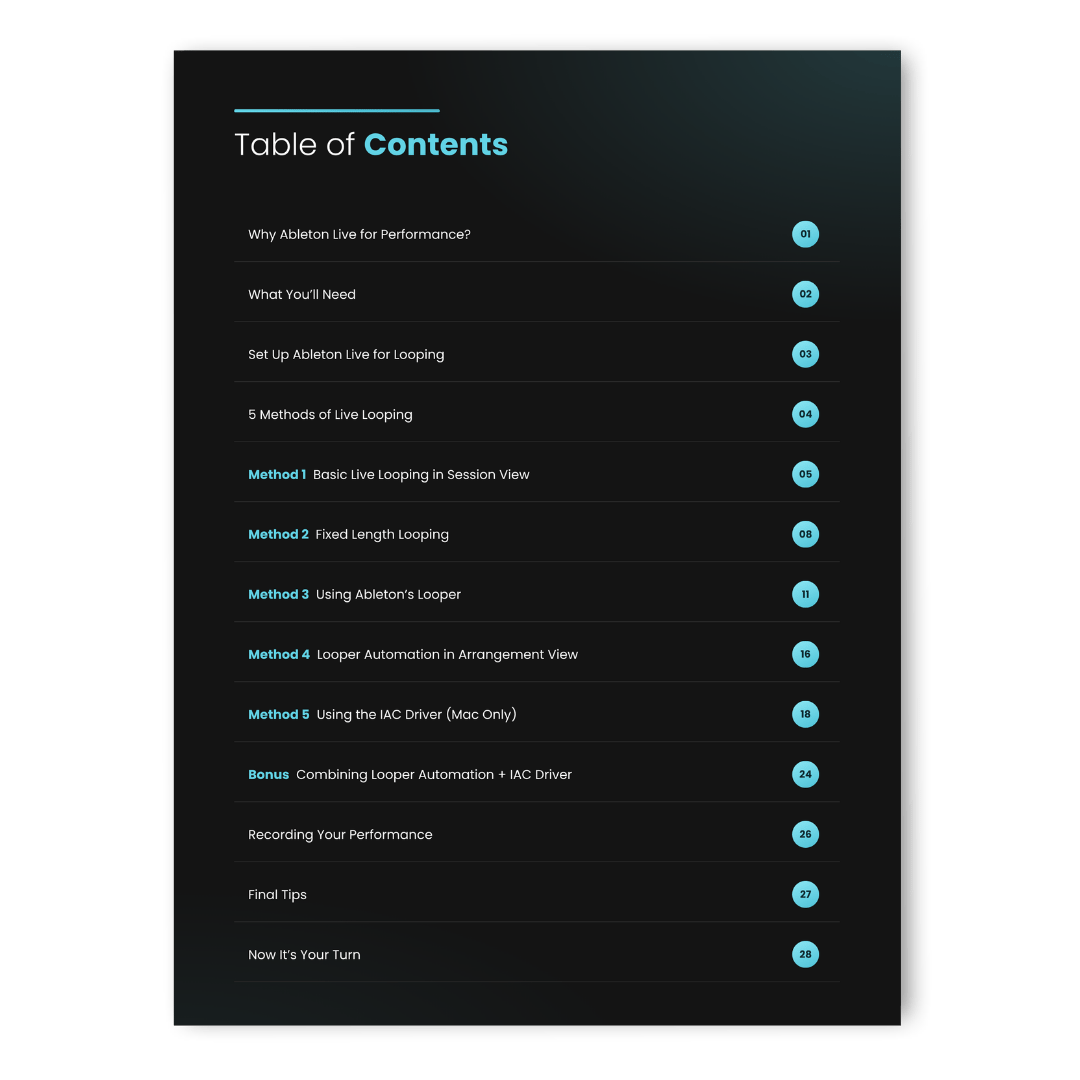
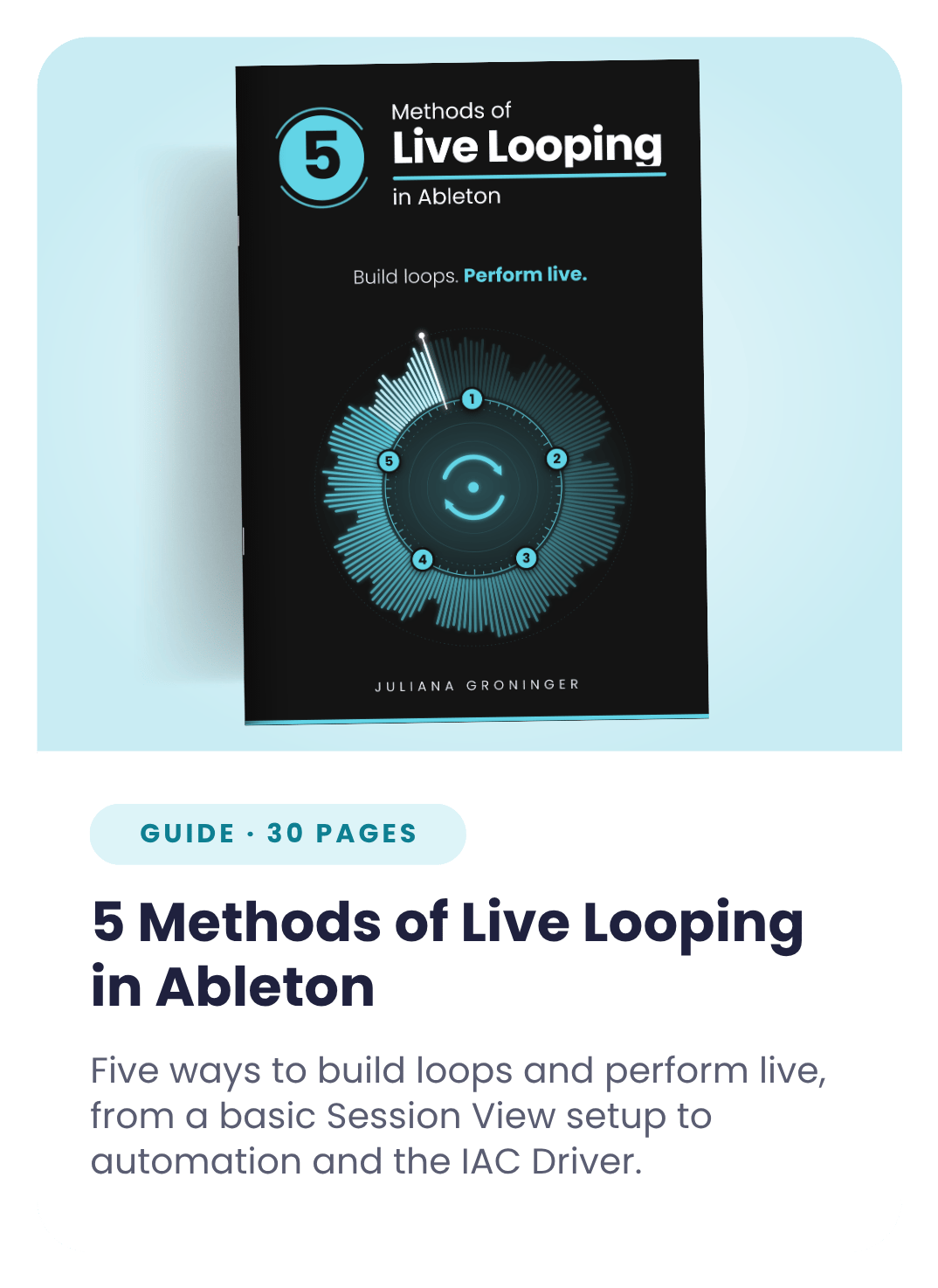
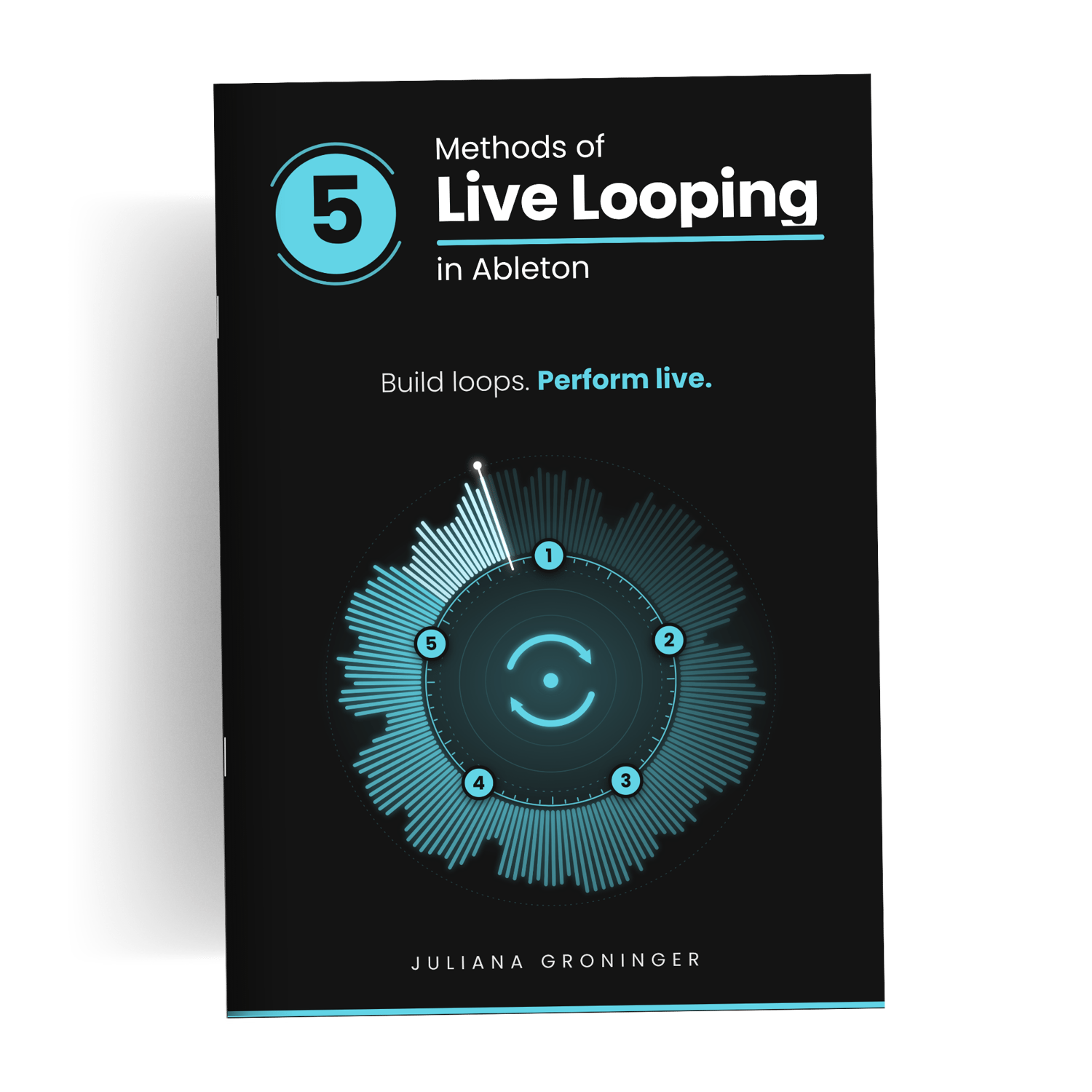
30-page PDF · $13
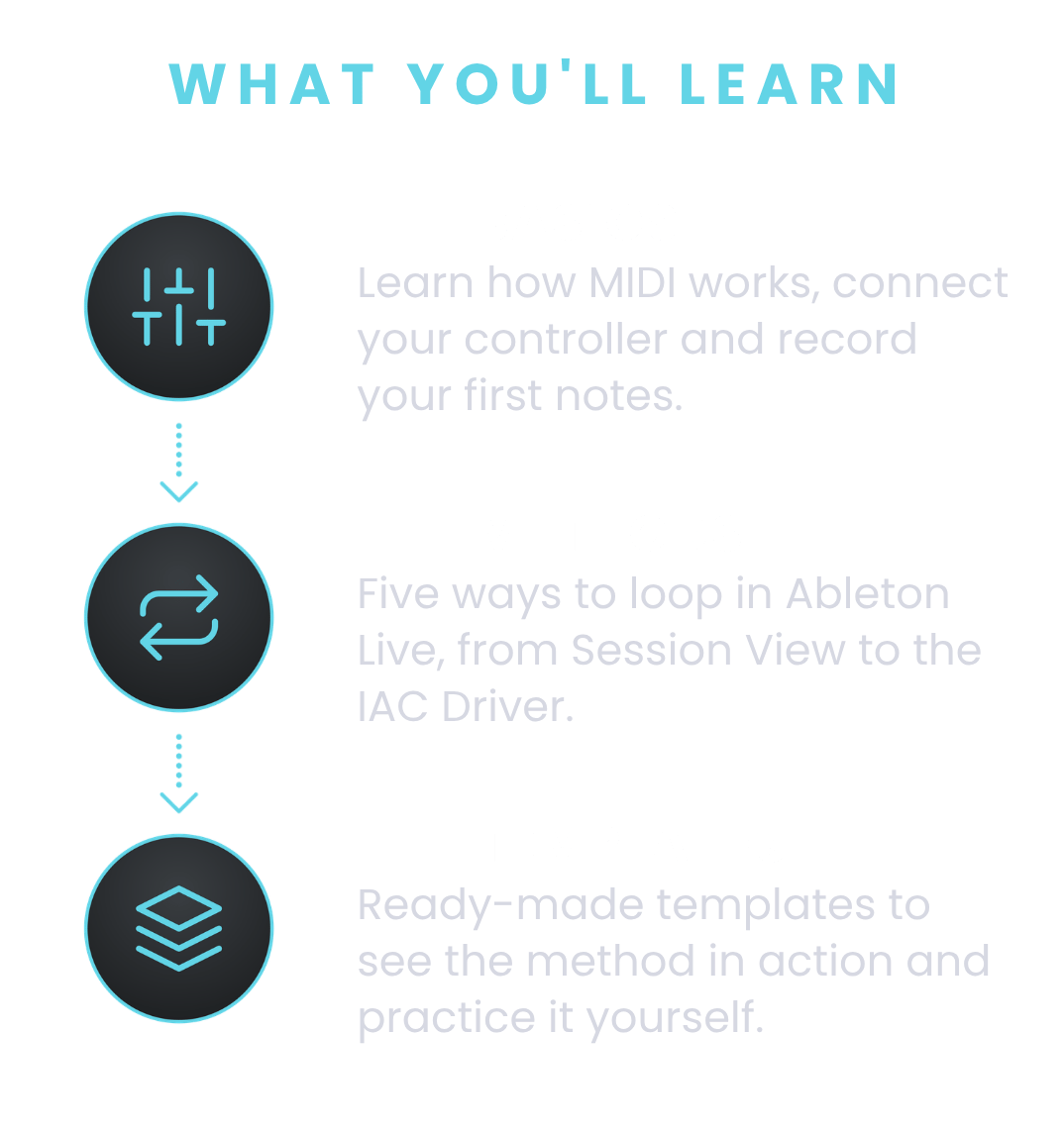
Two PDF guides, Your First MIDI Controller in Ableton Live and 5 Methods of Live Looping in Ableton, plus the LoopSession looping templates with an instructions PDF.
Yes. The first guide starts from the beginning: connecting your controller, setting up Live and playing your first sound. The looping guide then takes you from the basics to more advanced methods, one at a time.
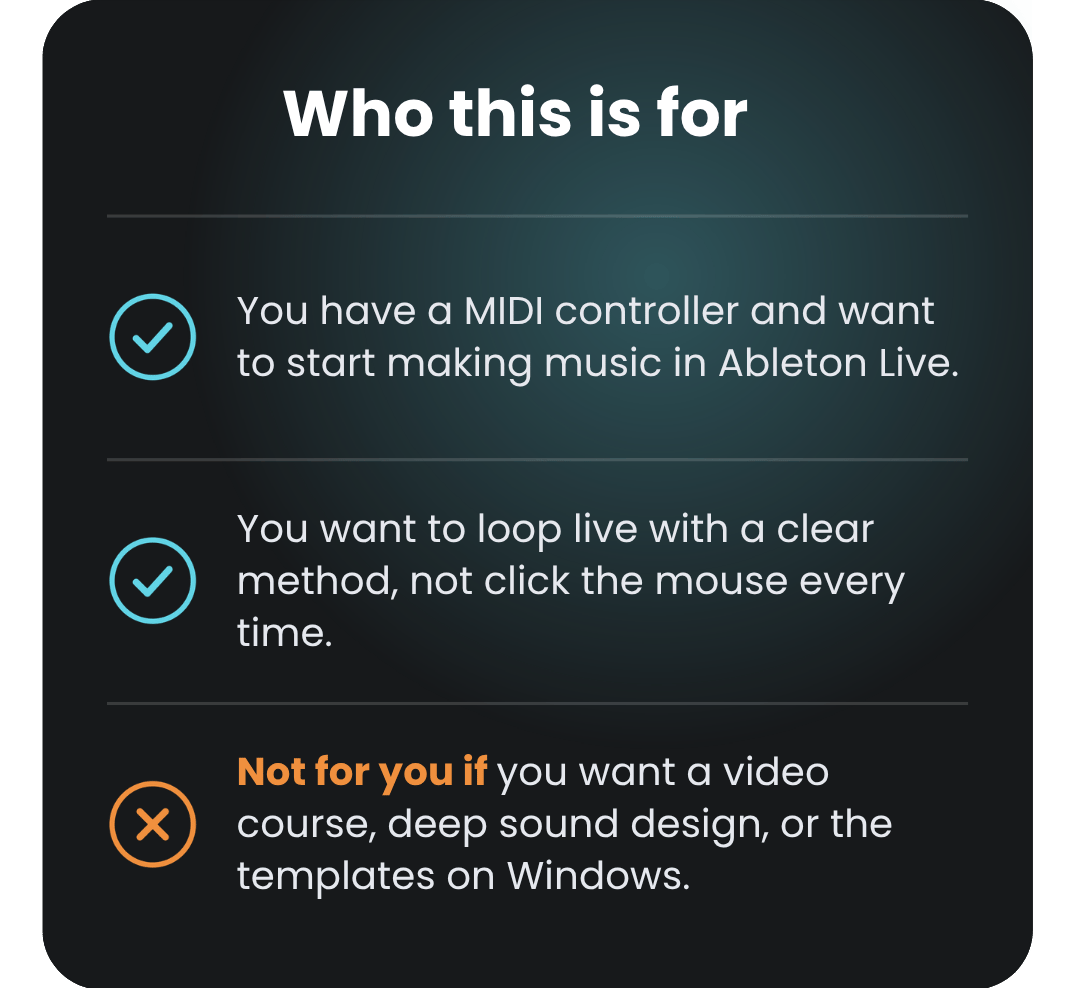
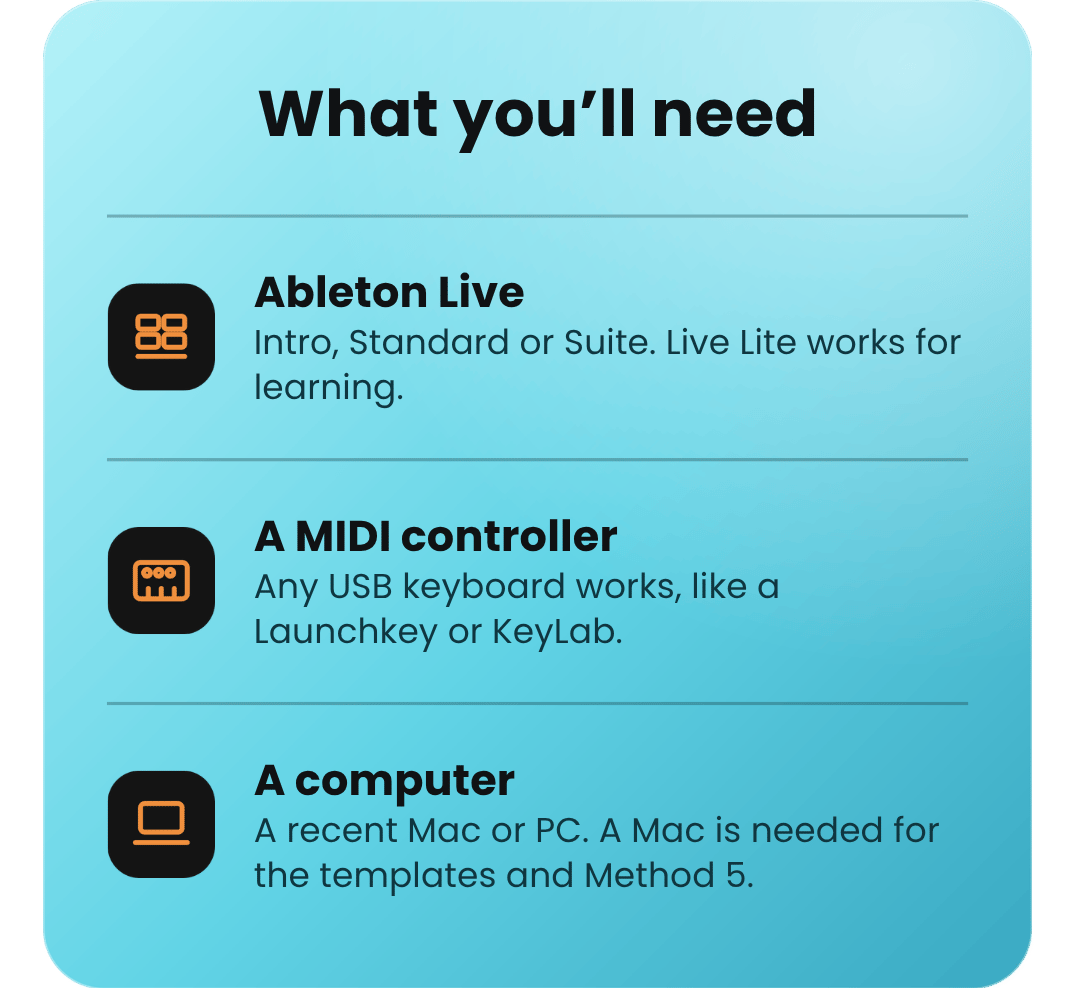
Mostly, yes. The guides are PDFs you can read on any computer. The LoopSession templates and Method 5 (the IAC Driver) require macOS, and the other methods don’t depend on it.
Any version works: Lite, Intro, Standard or Suite. One exception for Live Lite: it doesn’t include the Looper device, so methods 3 and 4 in 5 Methods of Live Looping won’t be available. The other methods work fine.
Yes. The guides walk you through setting up and playing with your MIDI controller in Ableton Live, so you’ll need one to follow along. Any USB keyboard that works as a MIDI controller will do, so you don’t need a specific model.
Not to get started. An audio interface keeps latency low and lets you loop instruments or mics. Look for 2 or more inputs.
Yes. The MIDI Controller guide is $10 and the Live Looping guide is $13. The bundle is $17, which saves you $6 (26%) and adds the LoopSession templates.
Hands-free live looping templates for Ableton, powered by the IAC Driver MIDI, so you can practice the workflow and see how it works in action. macOS is required to use the templates, because the IAC Driver is a Mac feature.
Ready to start?