
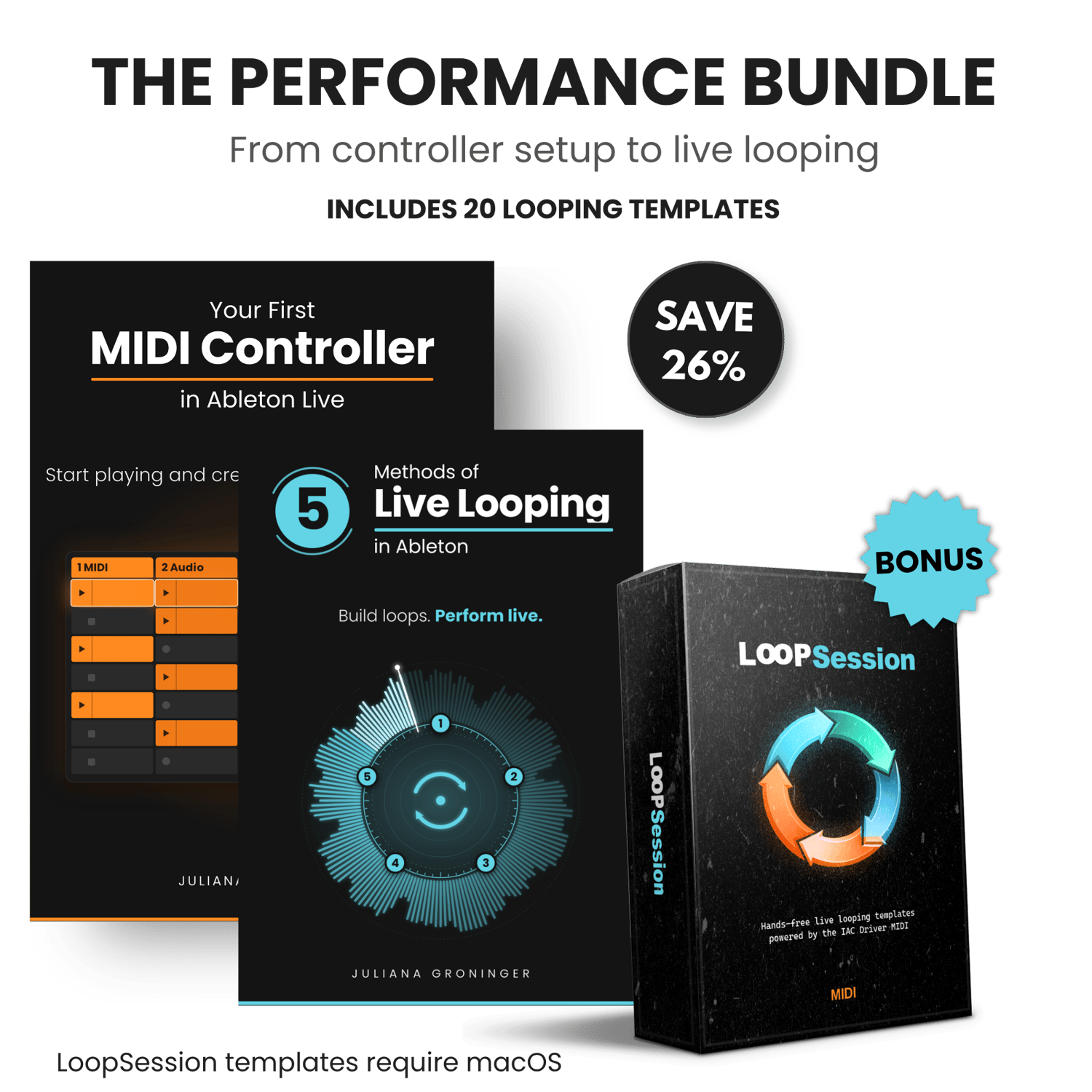
The Performance Bundle
On Sale
$17.00
$17.00
Start Your Ableton Journey.
Learn how to use your MIDI controller and build live looping skills, even from zero.
What’s Included:
1. Your First MIDI Controller in Ableton Live
- Set up and use your MIDI controller
- Load sounds and start playing
- Map knobs, faders and pads
- Create beats with Drum Racks
- Clip Launching
- And more
✓ 20 pages total
2. 5 Methods of Live Looping in Ableton
- Method 1: Basic Live Looping in Session View
- Method 2: Fixed Length Looping
- Method 3: Using Ableton’s Looper
- Method 4: Looper Automation in Arrangement View
- Method 5: Using the IAC Driver (Mac Users Only)
✓ 30 pages total
3. LoopSession Templates (Bonus)
- LoopSession combines two live looping methods taught in the “5 Methods of Live Looping in Ableton”, helping you practice timing, layering, and hands-free live performance workflows immediately after completing the guide. The templates are already pre-configured to automatically switch tracks during your performance.
- MIDI only (not audio). Compatible with any version of Ableton Live.
- These templates are a macOS-only bonus. The main bundle works for both Mac and Windows users.
✓ 20 hands-free live looping templates + PDF instruction guide
Who This Bundle Is For:
- Complete beginners to Ableton Live
- New MIDI controller users
- Musicians who want to start live looping
- Anyone looking for a clear starting point
Requirements:
- A MIDI Controller and any version of Ableton Live (Lite, Intro, Standard or Suite)
- macOS required for LoopSession templates
Important for Ableton Live Lite users:
The "Looper" device is not included in Ableton Live Lite, so methods 3 and 4 from "5 Methods of Live Looping in Ableton" will not be available.